
The Relyance AI help center is available only to users who have been provisioned by Relyance. It contains guides on gettings started, how-to's, knowledgebase articles, and product release bulletins.
Setting up Help Center Access:
- Reach out to your Relyance Customer Success team to get access.
-
Look for the email titled Welcome to Relyance AI Help Center in your inbox.
Click on the link in the email to setup your account in our Help Center.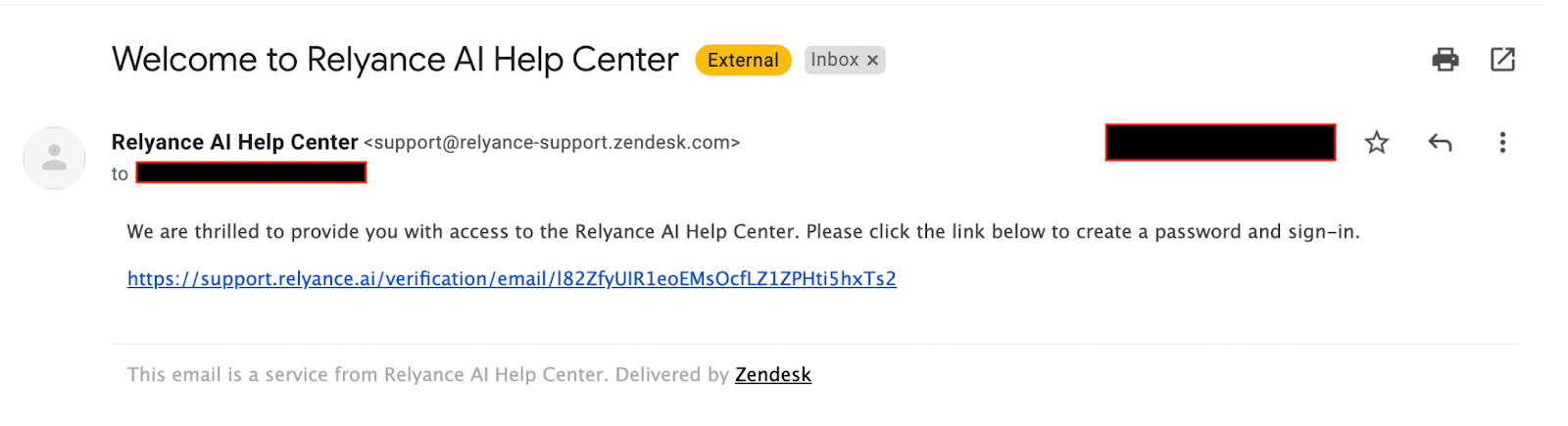
-
Setup your name and password to access Relyance AI’s Help Center.
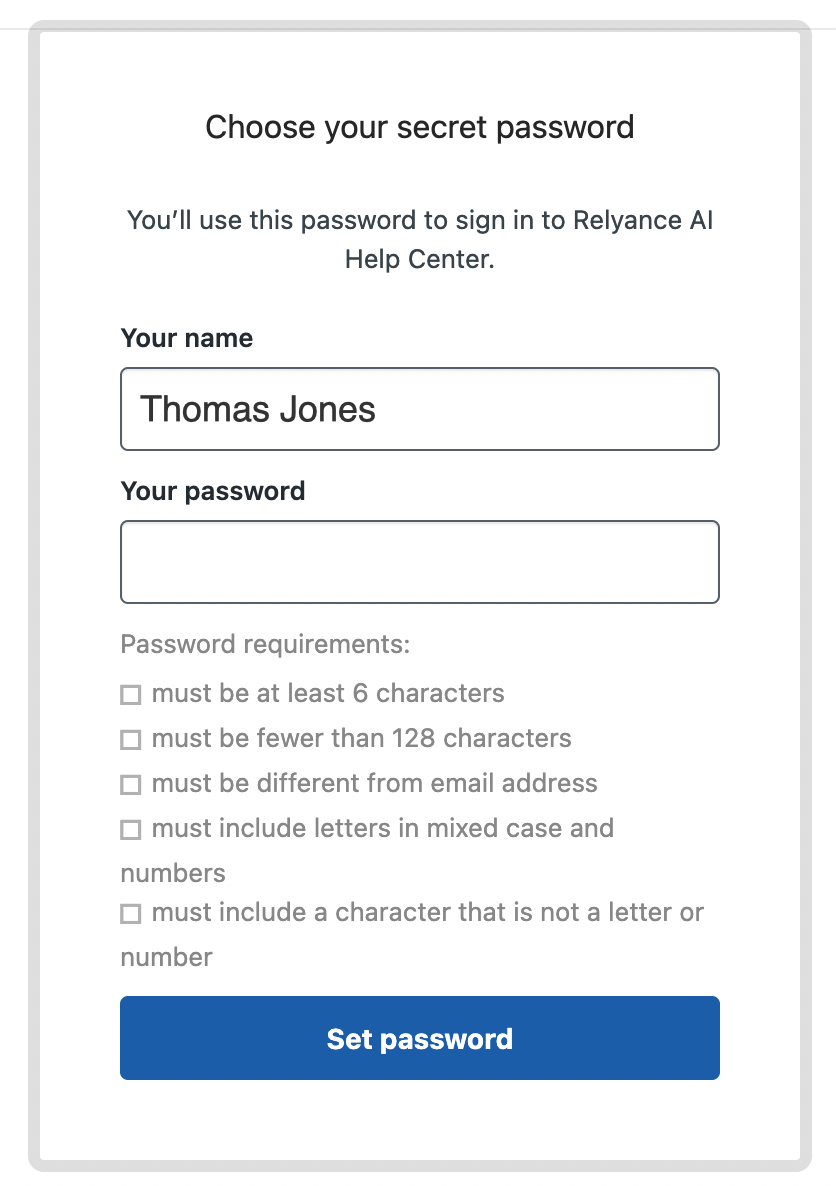
Note: Store the username and password combination to login at a future time.
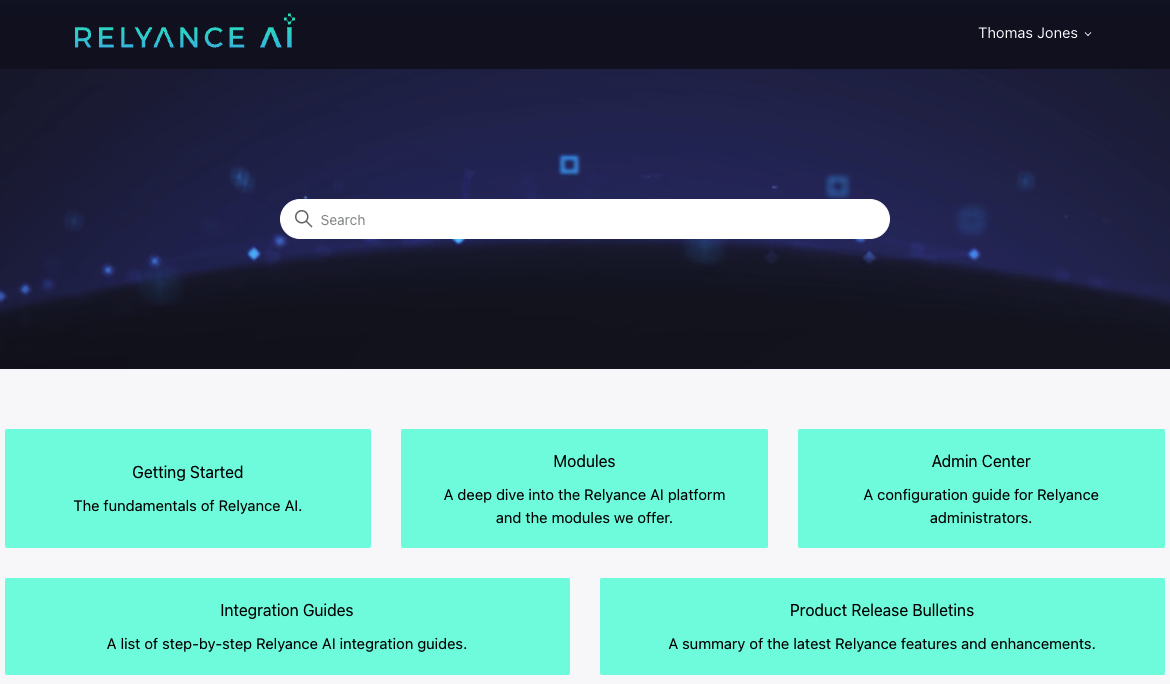
- Once you successfully log-in, you will be redirected to our Help Center’s home page:
Accessing the Help Center from the Relyance AI Platform:
- Login to your Relyance platform.
- Click on Documentation in the help menu dropdown
 in the top right header.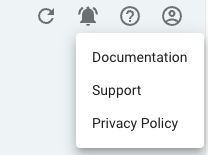
-
You will then be redirected to our Help Center’s login page and asked to sign in.
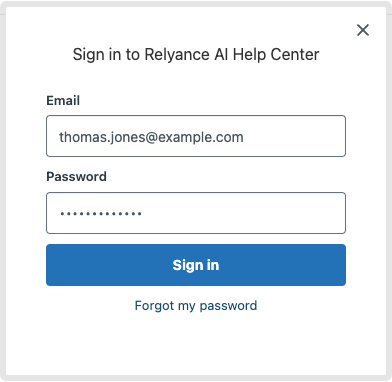
- Once you successfully log-in, you will be redirected to our Help Center's home page:
- Feel free to use the search feature or click around into different sections to find relevant articles about the Relyance platform. Please reach out to your Relyance team if you have any questions.